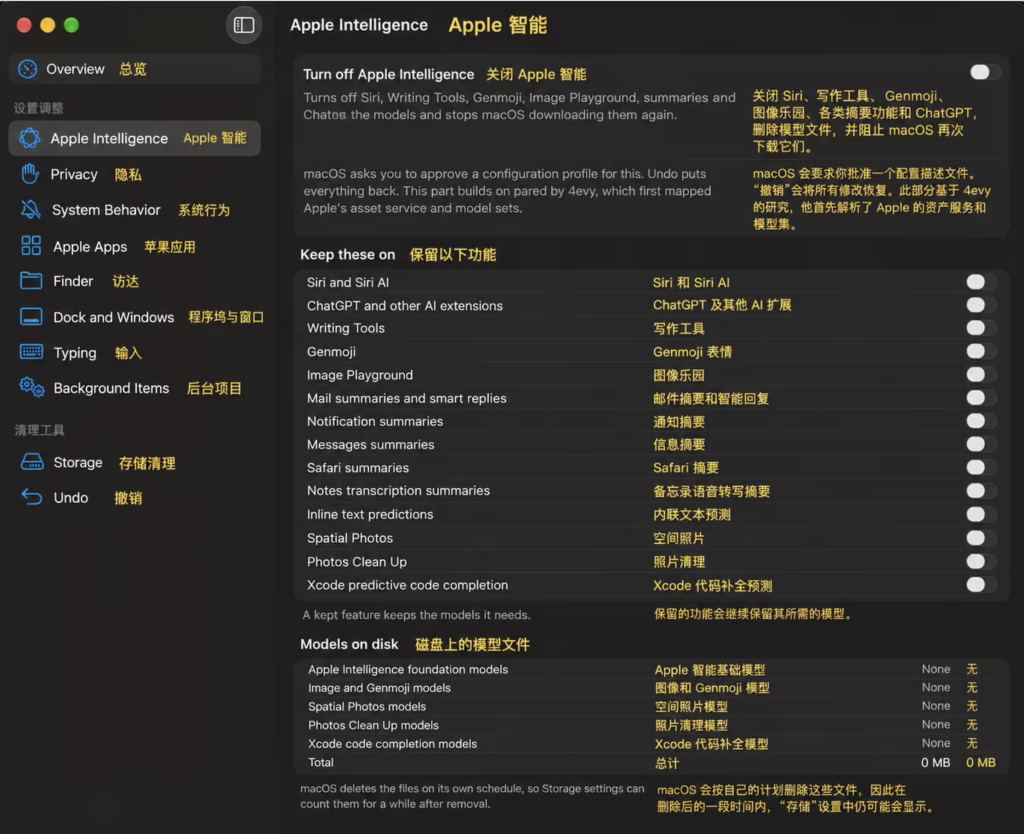
 Turn off only the features you do not need:
- Siri and Siri AI
- ChatGPT and other AI extensions
- Writing Tools
- Genmoji
- Image Playground
- Mail summaries and smart replies
- Notification summaries
- Message summaries
- Safari summaries
- Notes transcription summaries
- Inline text prediction
- Spatial Photos
- Photos Clean Up
- Xcode predictive code completion
-
Slimming down macOS 27
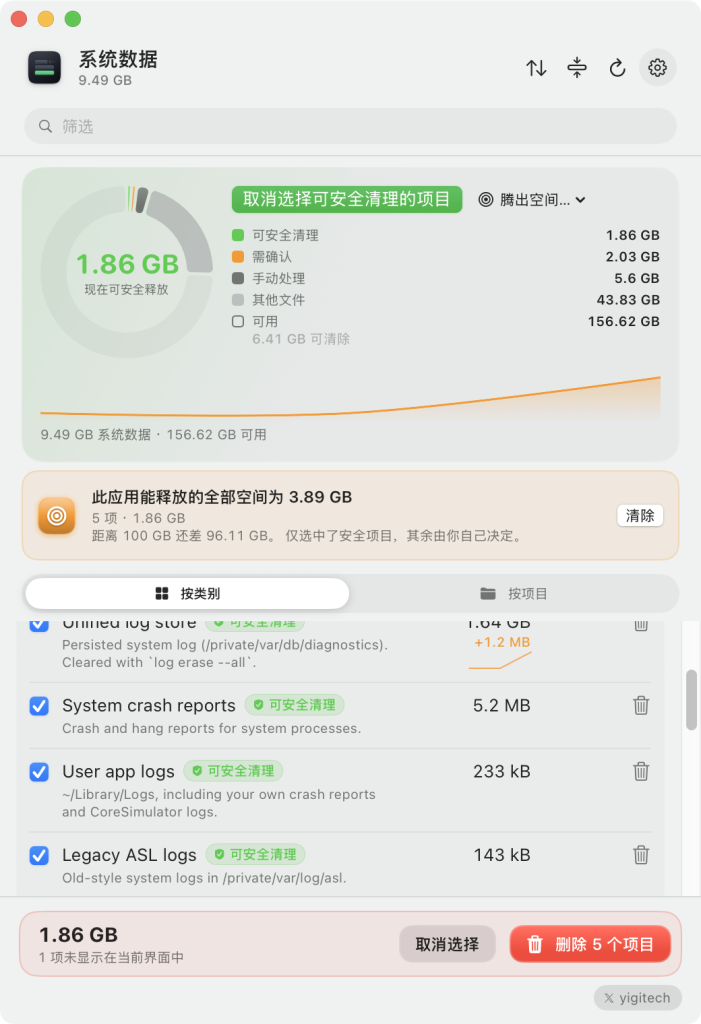
RemoveMacAI also scans for other junk files on the system, including caches, video wallpapers and unused simulators:
-
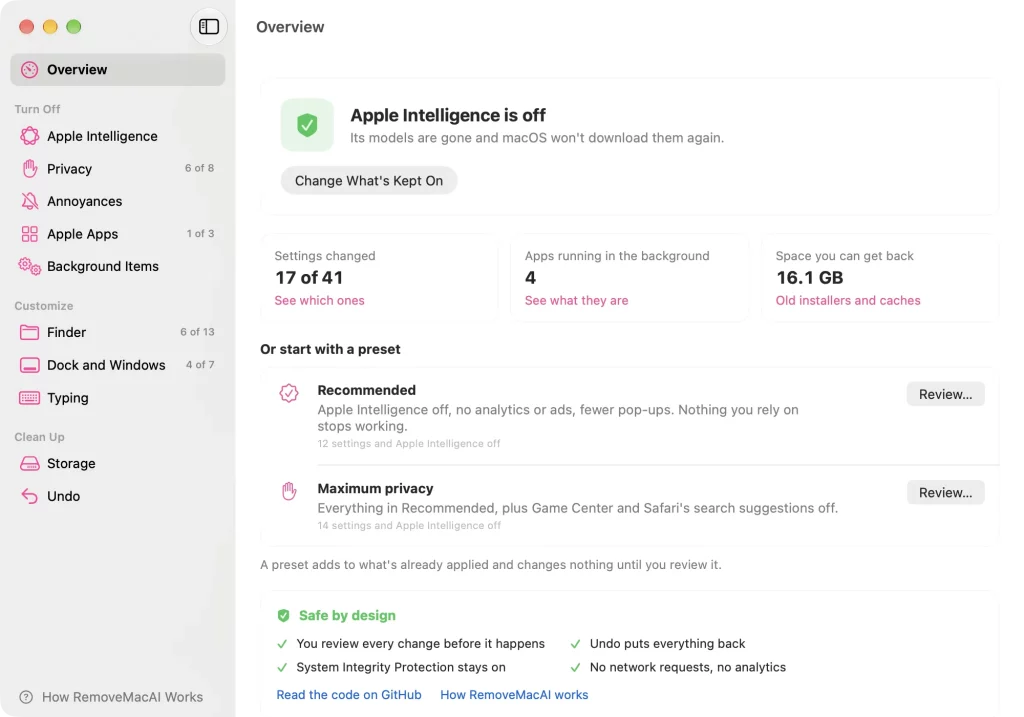
RemoveMacAI can also trim the following:
- Privacy
- Turn off Mac analytics
- Turn off personalised ads
- Turn off “Improve Siri & Dictation”
- Turn off “Improve Search”
- Turn off Spotlight web results
- Turn off “Look Up” web suggestions
- Turn off Safari search suggestions
- Turn off Game Center
- System behaviour
- Stop clicking the desktop wallpaper from hiding all windows
- Hide desktop widgets
- Stop the play key from opening Music automatically
- Turn off iPhone Mirroring
- Apple apps
- Turn off Apple Music inside Music
- Turn off the Book Store inside Books
- Remove News, TV, Music, Podcasts, Books, Freeform, Maps, Stocks and other Apple app icons from the Dock
- Finder
- Show file extensions
- Show hidden files
- Show the path bar
- Show the status bar
- Sort folders first
- Search the current folder by default
- Turn off the extension-change confirmation prompt
- Show the full path in the title bar
- Prevent
.DS_Storewrites on network volumes - Empty the Trash after 30 days
- Save locally instead of to iCloud by default
- Expand the save dialog
- Show
~/Library
- Dock and windows
- Hide recent apps in the Dock
- Remove the Dock auto-hide delay
- Turn off Dock icon bouncing
- Minimise windows into the app icon
- Turn off the window open animation
- Remove gaps between tiled windows
- Remove window screenshot shadows
- Input
- Turn off autocorrect
- Turn off smart quotes and smart dashes
- Turn off the double-space period
- Turn off auto-capitalisation
- Make long presses repeat the key instead of showing the accent menu
- Background items
- Review updaters and helpers installed by third-party apps
- Disable or restore these background items individually
- Storage cleanup
- Delete old macOS installers
- Delete dynamic aerial wallpaper videos
- Delete iPhone / iPad firmware updates
- Clean Xcode DerivedData
- Clean Xcode Device Support
- Delete broken simulators
- Clean third-party app caches
- Delete local Time Machine snapshots
- Uninstall optional Apple apps such as GarageBand, iMovie, Keynote, Numbers and Pages
- Download: https://www.ykyh.net/app/removemacai/
- Privacy